
Cable route
Wall, ceiling, floor and shared-building access determine the practical pathway between the network and endpoint.
Internet, Wi-Fi & NBN
Need a data point installed in Brisbane or elsewhere in South East Queensland? Add an Ethernet wall socket and data cable run for a desk, TV or access point, or arrange assessment of an unreliable wired outlet. Share the room, device and existing network location, then call or request a quote for data point installation or repair.
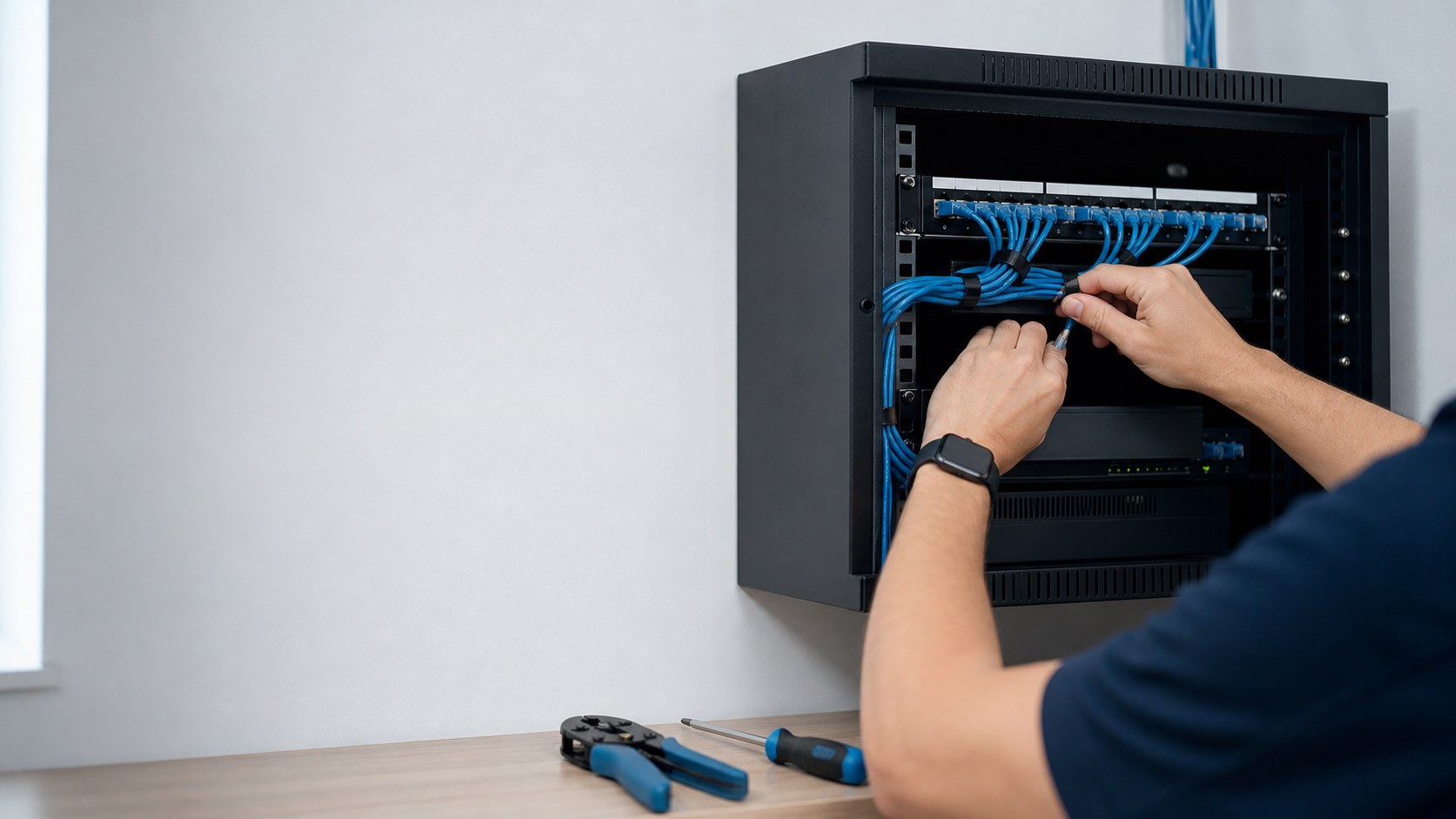
The wall socket is one end of the connection. Before adding an outlet, identify where its fixed cable will finish and how that end will connect to the router or network switch. An unconnected socket does not provide an internet service by itself.
For a new point, describe the device, room and proposed socket position, then include the existing router or communications-cabinet location. Ask whether both ends, accessible patch leads and any required network equipment are included in the proposed scope. nbn's home-network guidance describes Ethernet connections for fixed devices and additional access points; the appropriate setup still depends on your equipment.
For an existing outlet, note which device fails, the outlet label and whether the problem is constant or intermittent. Include whether other wired devices and Wi-Fi still work at the same time. Record any accessible patch-lead comparison already completed, without opening the wall plate or changing fixed cabling.
These observations help scope fault finding; they do not prove the socket needs replacing. Ask which outlet, cable path and network-end connection will be tested. If internet fails across the property, keep your provider's fault reference and test findings so a service issue is not mistaken for an isolated data-point fault.
Include the suburb, number of requested outlets, room and network-end locations, and any known wall, ceiling or floor access limits. For a unit or workplace, identify who can approve the route and arrange access to shared areas. Photographs of accessible equipment and a simple room sketch can help; leave passwords and private screens out of enquiry images.
Ask the quote to identify cable routing, outlet hardware, termination at both ends, labelling, testing and any making-good exclusions. Confirm whether router, switch or access-point configuration is included. At handover, ask for the outlet labels and agreed test findings, and confirm who will connect and check the intended device. No fixed price or connection-speed result is assumed before the property and equipment are assessed.
ACMA advises checking the cabler's registration. Agree the applicable customer-cabling scope and completion documentation, including any small-task exception, before work starts. Internet activation and provider-network faults remain separate from an internal Ethernet installation.
The details below help turn a broad service request into a property-specific scope.
Wall, ceiling, floor and shared-building access determine the practical pathway between the network and endpoint.
Existing outlets should be identified and tested so a connection fault is not confused with a router or device problem.
These details make it easier to distinguish an equipment issue from a signal, coverage, cabling or configuration issue.
Regional service pages
Each regional page explains local property, access and planning questions. It does not create a separate promise of address coverage.
Share a few practical details and Best Deal 4 U can discuss the next step for your antenna, security, connectivity or IT enquiry.